

Southwest Airlines Companion Pass is one of the best travel benefits in the industry. With the pass, a friend or family member can fly with you for free (plus taxes and fees) on Southwest flights an unlimited number of times until the pass expires. While this may seem like one of those “too good to be true” scenarios, it is completely legitimate and as good as it sounds. In fact, I have personally been a Companion Pass holder for almost 15 years.
Once you obtain the pass, it is valid until December 31 of the following calendar year (provided it is obtained through the traditional method and not during a special promotion). This gives you up to two years to use the pass, providing plenty of opportunities for your designated companion to fly with you on your next trip.
Related: How to get the Southwest Companion Pass
But did you know that you don’t have to travel with the same companion on every flight? Southwest allows you to change companions up to three times per calendar year, in addition to your initial companion selection. And since your pass is typically valid for two calendar years, this allows up to seven people to travel with you for free.
And while changing your designated companion has always been a bit of a hassle, Southwest has made it a lot easier. Until recently, you had to call Southwest and request a change. But now, you can change your companion on your own, right from your Southwest account.
How to Change Your Southwest Companion Pass
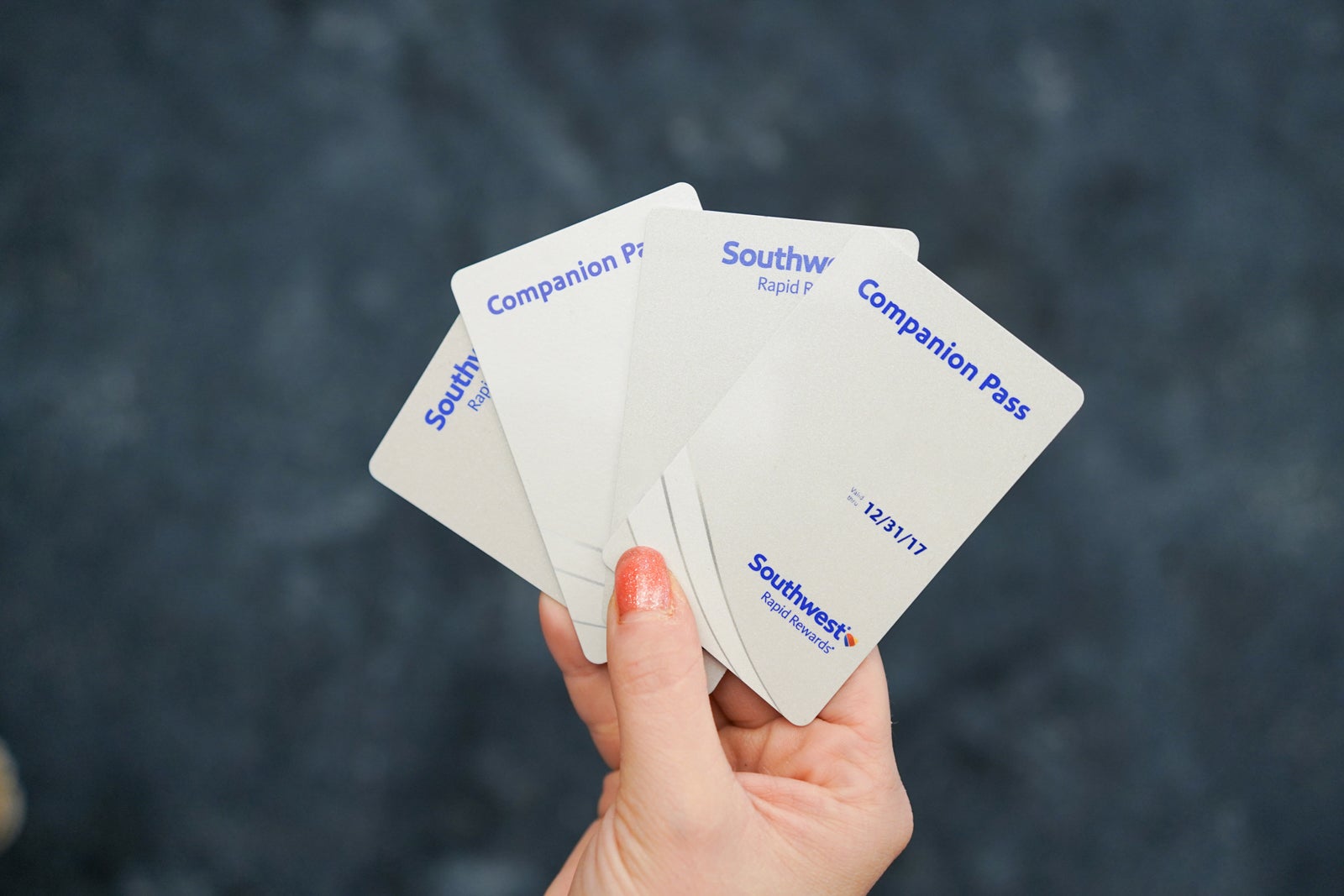
Beginning in September, Southwest will make it significantly easier to change your companion. Initially, when you get your pass, you will have the opportunity to designate a companion. This process has not changed and you will be able to identify your initial companion online through your Southwest account or over the phone directly with Southwest.
However, now you can also Make changes to your pass online. Previously, the only option was to call Southwest. While the process itself only took the agent a few minutes, it often required a long wait, depending on the time of day.
To change your Southwest Companion Pass online, you’ll first need to log in to your account. Southwest account either through the app or online. From there, you’ll see your Companion Pass information, with the option to change companions. Within your account, it will also tell you how many more times you can change companions this year, which is incredibly helpful.
Related: How to Get and Use the Southwest Companion Pass

Daily Bulletin
Reward your inbox with TPG’s daily newsletter
Join over 700,000 readers for breaking news, in-depth guides, and exclusive deals from TPG experts.

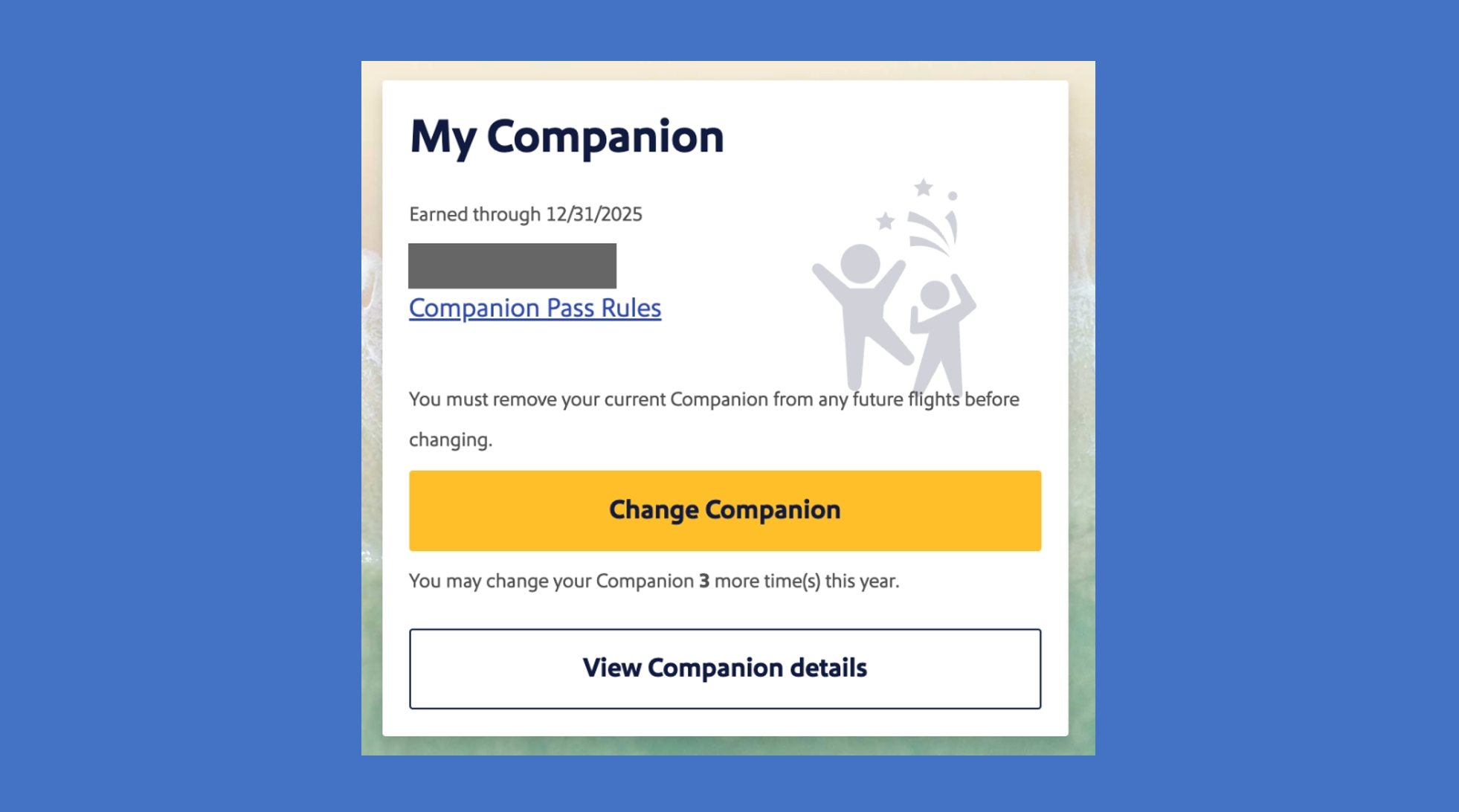
Once you select the option to change your companion, you will need to fill out your companion’s information. Again, you will be notified of the number of companion changes you have left for the calendar year.
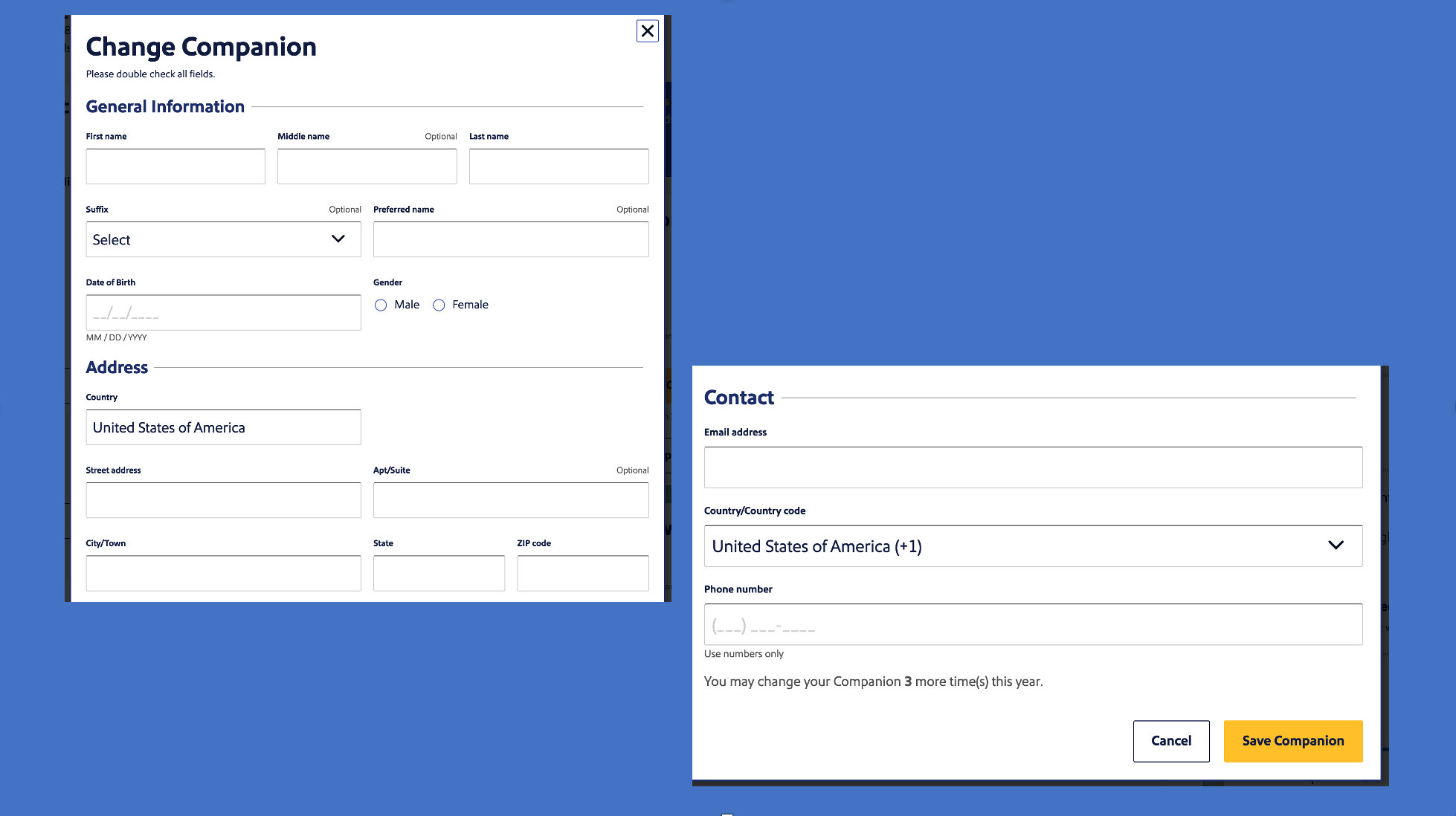
The big issue you’ll notice, though, is that there’s nowhere to enter your companion’s Southwest Rapid Rewards number. Reports indicate that Southwest will automatically create a new Rapid Rewards number for the traveler, and for most, this isn’t a problem, even if they already have a Rapid Rewards account. This is because when you fly as a companion, you don’t receive points for your flights anyway, so not having the flight linked to your account isn’t a big deal. Your companion won’t be able to see the flight details in their account, though, which could be annoying for some.
But the main point is that if your partner has Southwest A-List or Preferred A-List statusThey will not receive any benefits during their trip.
And while you can always call Southwest to have the correct Rapid Rewards number linked to your account, reports have shown that this method requires the agent to change your designated companion. againcounting for one of his three partner changes for the year.
If you want to make sure the correct Rapid Rewards account is linked to your new companion, it’s best to call Southwest directly at 800-435-9792 and skip the online process. Hopefully, the option to add your companion’s Rapid Rewards number online will be added sooner rather than later.
Related: 15 Lessons from 15 Years of Owning the Southwest Companion Pass
Things to know when changing companions on Southwest
Even though this is a no-strings-attached pass, there are a few things you need to know on the fly to ensure you’re successful. For starters, your designated companion can be repeated. For example, let’s say Joe is your initial companion and you want to fly with him in January and September, but you want your friend Sarah to fly with you between the two flights in March. You can change your companion to Sarah and then Joe, but it will still count as one change.
Additionally, the person listed must be your companion both at the time of booking and at the time of travel. So, using the example above, you won’t be able to change your companion to Sarah until your flight with Joe ends. And, if you’ve already added Joe as a companion on your flight later in the year, you’ll need to cancel Joe’s flight before you change your companion to Sarah. Once your flight with Sarah ends, you’ll be able to add Joe back as a companion.
Just keep in mind that there must be at least one seat available for purchase when it comes to booking a companion ticket. If you’re booking during peak travel times, you’ll want to add your companion as soon as possible. To ensure your companion has a seat at a later time while you have another companion designated, you can always reserve the passenger a seat with points to “save” their seat and then change it to a companion reservation once that passenger is designated as a companion. And in the rare situation where the flight sells out before a companion is added to the flight, keep checking back, as there’s a very high chance that a seat will eventually become available.
In summary
I’m glad to see that Southwest is now allowing travelers to change their passes online and avoid a potentially lengthy wait time on the phone. Being able to see how many changes you’re still allowed is also very important and can allow you to prepare for the year ahead. However, there are still some hiccups in the process when it comes to not being able to add your companion’s Rapid Rewards number. Hopefully, this will be fixed in the near future, but for now, there’s still the option to call if you need the correct account tied to the ticket.
